




▶︎ Format: Self-paced online course
▶︎ Level: all levels
▶︎ Duration: 1 hour
Archicad 27 provides continuous innovation and delivers regular enhancements to existing tools to speed up your everyday architectural design workflows. You will learn about the new dedicated design option management capability, temporary distance guides, improvements to schedule formatting, and much more about documentation, visualization and collaboration enhancements.
You can also buy this course as part of the 'Learn Archicad!' program Subscription Plan.
CHECK THE SUBSCRIPTIONIn this certificate program you will learn in-demand Archicad skills from Graphisoft experts. Learn at your own pace, basic Archicad experience is required.
What you will learn
Ways to understand and explain the main new features of Archicad 27 in the context of a workflow.
Methods to apply the new tools to streamline and optimize your existing workflows.
Techniques to use Archicad 27 features to improve design quality and interdisciplinary collaboration.
Approaches to integrating new functionalities into your current project templates and standards.
Strategies for fully leveraging the expanded capabilities of Archicad 27 in day-to-day project work.
Practices for increasing your productivity and efficiency while enhancing overall design output.
Table of contents
Column B
Design Options
Distance Guides
Schedule formatting
Modernized GDL editor
Column B
Physically Based Rendering
Structural and MEP improvements
New version and new features for BIMx
Improvements for attributes, graphic overrides, search, tracker and more...
Software requirements
To follow the demonstrations during this training, participants need to have Archicad 27 installed. The current version of the course is using the Technology Preview version of Archicad 27, so please visit the Technology Preview website to download and install the software.
Videos in this course have been created using the international language version of Archicad which mean that the work environment and some of the content may be different if you are using a different language version.
Access time frame
Access to this program is available for as long as you have an active Learn Archicad! subscription, and your use of the program is subject to the applicable subscription terms.
Awards
Concluding the training material, including the quiz with a minimum of 60% achievement and filling out the satisfaction survey, will award you the Certificate of Completion for this training.
Have questions?
Visit us at support.graphisoft.com
Here is the course outline:
1. WelcomeWe, Graphisoft, believe in the continuous innovation of our products and services. Therefore, we perfect our tools and workflows in each Archicad version to empower teams to create great architecture. |
2. DesignIn this module, learn about the new integrated Design Option Management capability, which allows managing multiple design options efficiently. Learn about the Distance Guides, an experimental feature that assists with element placement. Get familiar with the improved Attribute Management and the modernized GDL editor. |
3. DocumentIn this module, explore Archicad's enhanced interactive schedules, expanded Project Search functionality, Graphic Override Rule Grouping and the new functions of the Intelligent Tracker. These robust documentation enhancements empower systematic project management, organization, and exploration. |
4. CollaborateThis module delves into Archicad's tools for enhanced collaboration, including the improved Structural Model for complex design and load placement, and the revamped MEP Modeler with an updated interface and enhanced modeling capabilities. |
5. VisualizeElevate the visuals of your design with Archicad 27. Learn about the Physically Based Rendering for a more vivid and realistic appearance, the native FBX import and export, and the improved performance and interface of BIMx Desktop Viewer. |
6. ConclusionThank you for completing the Archicad 27 Upgrade Training. This module will summarize the topics we have covered with the most essential enhancements and their benefits. |
Completion
The following certificates are awarded when the course is completed:
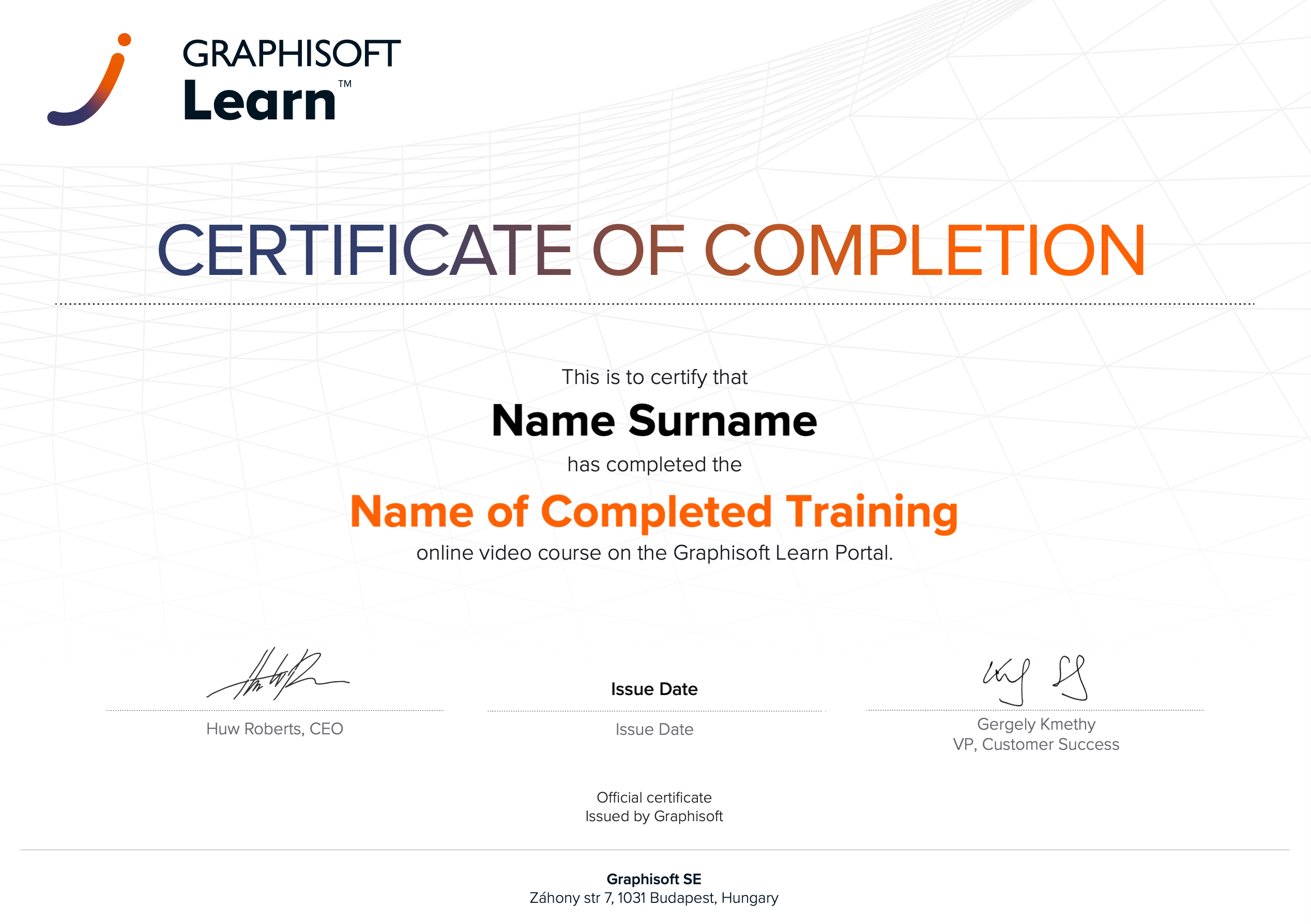 |
INT_Certificate of Completion - Online Video Course |