




▶︎ Self-paced online course
▶︎ All levels
▶︎ 1 hour
Streamline Your Workflow with Powerful New Features! Explore hierarchical Attributes, a new Search bar, and improved documentation, visualization, and collaboration.
You can also buy this course as part of the 'Learn Archicad!' program Subscription Plan.
CHECK THE SUBSCRIPTIONIn this certificate program you will learn in-demand Archicad skills from Graphisoft experts. Learn at your own pace, basic Archicad experience is required.
What you will learn
Learn to use BIMmTool Lite in Archicad 28 to import, organize and control structured and unstructured point clouds in 2D, 3D and Panorama views.
Manage point cloud visibility, resolution and navigation with the BIMm Tool Palette, Model View Options, Point Cloud Switcher, and BIMm Navigator, while understanding the added capabilities of the Pro features conceptually.
Use the Archicad AI Visualizer to transform simple massing models, detailed models, or text prompts into inspirational design images with integrated Stable Diffusion technology.
Compose effective prompts, set up optimal 3D views, tune creativity and advanced parameters, lock results, and control resolution.
Table of contents
Column B
Smart Design
• Keynotes
• Openings in Roofs
• Advanced Distance Guides
• Archicad AI Visualizer
Seamless Collaboration
• Improved Grasshopper-Archicad Live Connection
• MEP Designer
Smooth User Experience
• Archicad Onboarding
• Enhanced Design Options
• Physically Based Rendering
• Global Library
Software requirements
Videos in this course have been created using the International language version of Archicad which means that the work environment and some of the content may be different if you are using a different language version.
To get the best training experience we recommend you to use latest Archicad version!
Recommended Learning
Previous knowledge of Archicad is required. The completion of Graphisoft Learn - Foundation level courses is recommended.
Access time frame
Access to this program is available for as long as you have an active Learn Archicad! subscription, and your use of the program is subject to the applicable subscription terms.
Awards
Concluding the training material, including the quiz with a minimum of 60% achievement and filling out the satisfaction survey, will award you the Certificate of Completion for this training.
Have questions?
Visit us at support.graphisoft.com
Here is the course outline:
1. WelcomeWe, Graphisoft, believe in the continuous innovation of our products and services. Therefore, we perfect our tools and workflows in each Archicad version to empower teams to create great architecture. |
2. Smart DesignDesign sustainable and better-performing buildings in less time with the help of AI and intelligent digital design solutions. |
3. Seamless CollaborationWork in multidisciplinary teams just as quickly and efficiently on the road as you would at the office, regardless of your team's size and location or the project's complexity. |
4. Smooth User ExperienceBuild momentum growing your business with the help of software tools and services thoughtfully designed for architects and designers. |
5. ConclusionThank you for completing the Archicad 28 Upgrade Training! Please fill out the anonymous satisfaction survey so we can continue improving our training materials! |
Completion
The following certificates are awarded when the course is completed:
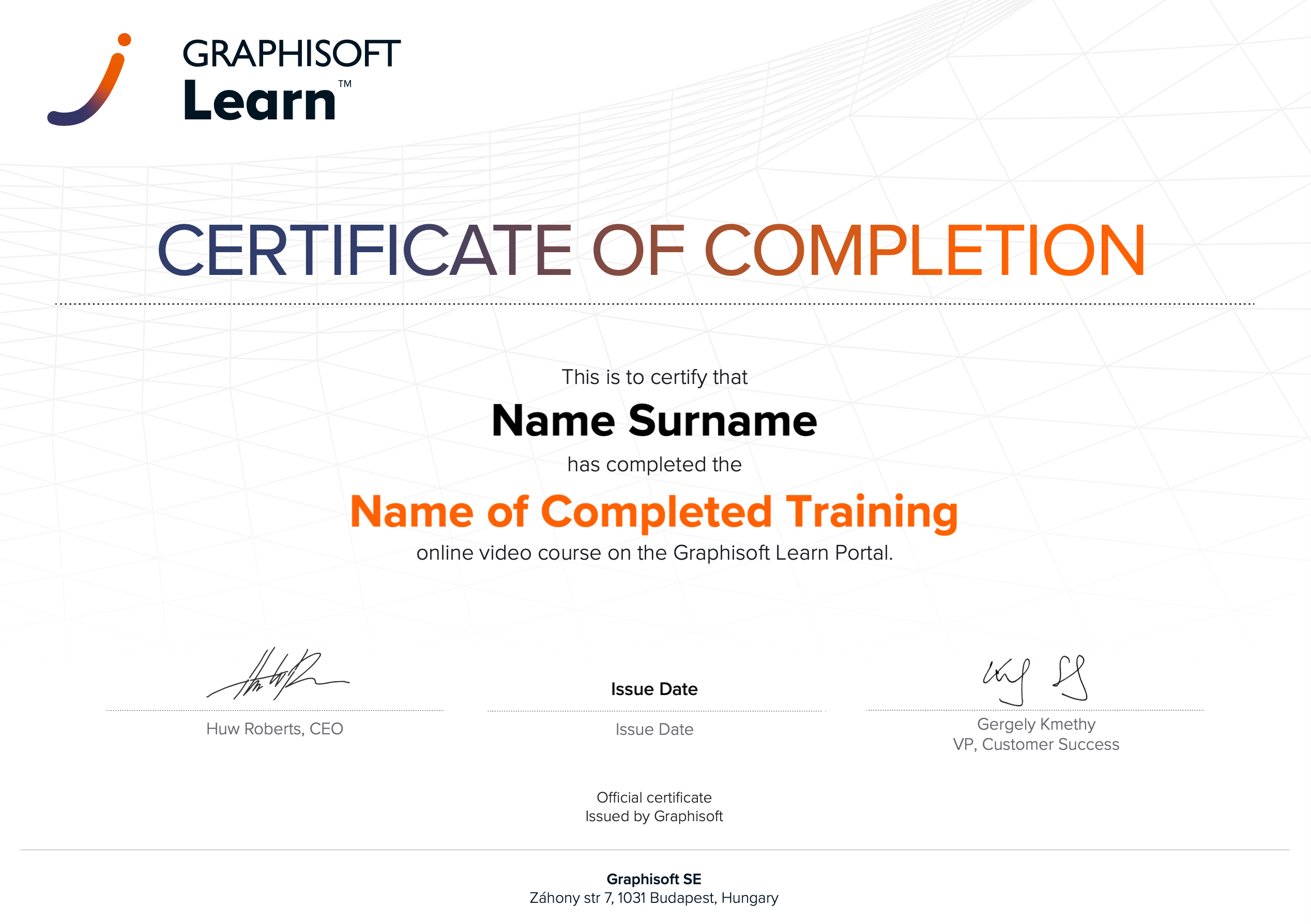 |
INT_Certificate of Completion - Online Video Course |